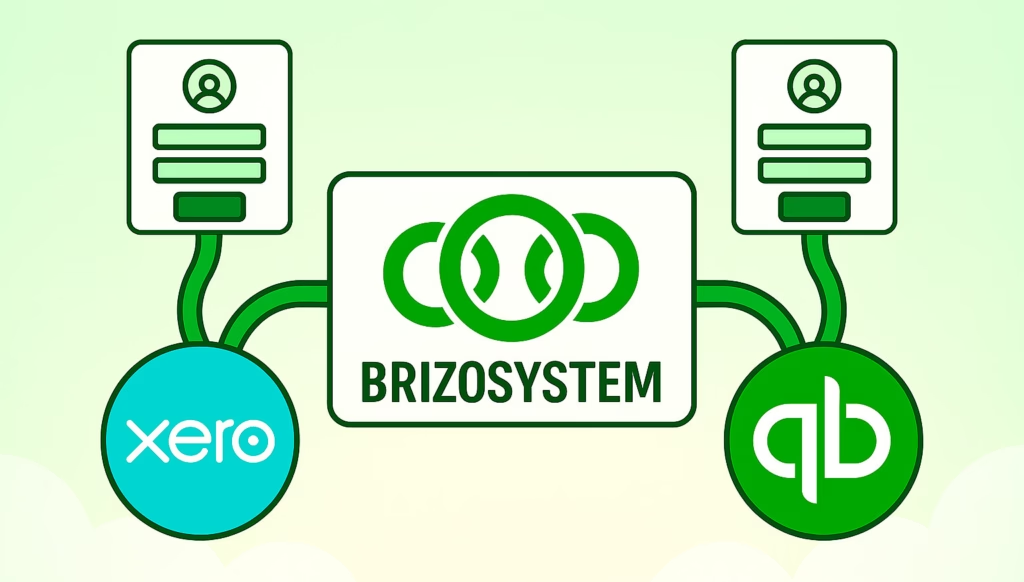
We’re excited to announce a new enhancement to BrizoConsol’s login experience — you can now log in using your Xero or QuickBooks accounts!
What’s New?
Previously, users logged in using their BrizoConsol credentials. With this update, you have more flexibility:
- Xero Login: Use your Xero credentials to access BrizoConsol directly.
- QuickBooks Login: Use your QuickBooks credentials to sign in seamlessly.
- Existing Login: Your traditional BrizoConsol login still works exactly as before.
This means no more juggling multiple passwords and an easier way to get started with BrizoConsol.
Consolidate your Xero entities — automatically.
BrizoConsol pulls from all your Xero organisations and delivers group reports in minutes.
Why We Added This
We know many of our users already manage their accounting through Xero or QuickBooks. By integrating login options, we make BrizoConsol even easier to access, while keeping your data secure.
- Faster access: One-click login via your preferred accounting system.
- More convenience: Reduce login friction, especially for teams using multiple platforms.
- Secure & reliable: BrizoConsol respects OAuth authentication protocols for Xero and QuickBooks, so your credentials are always protected.
How It Works
- Go to the BrizoConsol login page.
- Choose Xero Login or QuickBooks Login.
- Authorize BrizoConsol to connect with your accounting account.
- You’re in! Access your dashboards, reports, and AI assistants just like before.
Tip: If you prefer, you can still log in using your traditional BrizoConsol credentials — nothing changes for existing users.
Try It Today!
We’re rolling this out to all users now. Whether you’re a Xero user, QuickBooks user, or like to stick with your BrizoConsol login, getting started has never been easier.
Experience the flexibility and convenience of integrated login today!