Consolidation adjustments have always been the messiest part of period-end close. You’ve got intercompany balances to eliminate, accruals to post, shared service charges to allocate — and every single entry needs to balance before it touches the consolidated financials.
Until now, that meant multiple separate entries, manual cross-checks, and a high chance of a last-minute imbalance ruining your close.
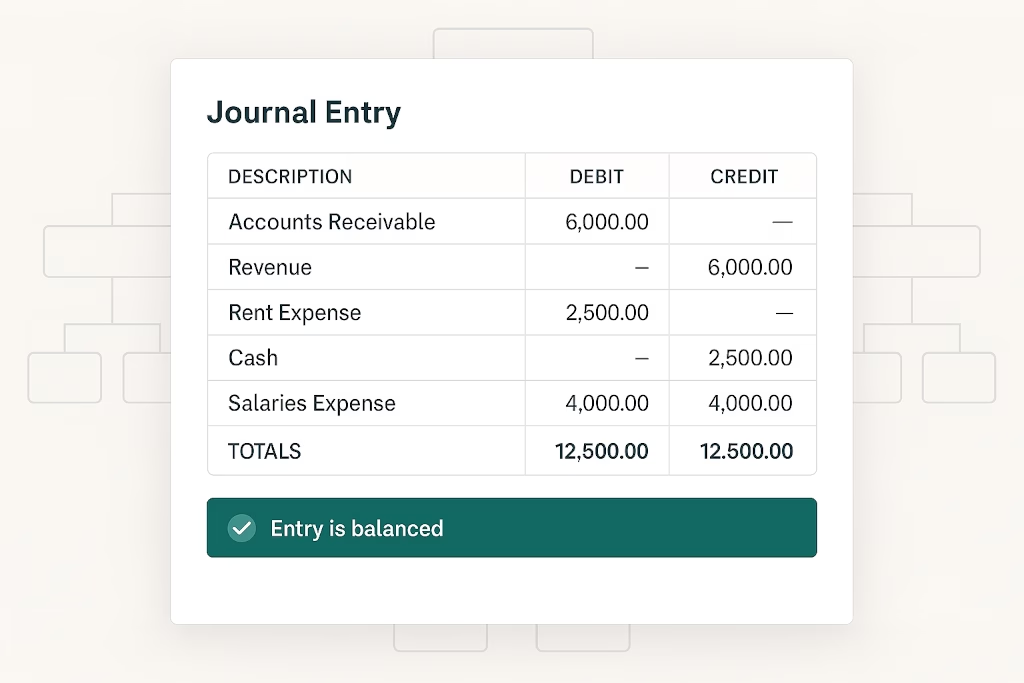
BrizoConsol’s enhanced Journal and Elimination Entries now support multiple debit and credit lines in a single dialog, with live balance validation that tells you instantly whether your entry is clean — before you confirm it.
Intercompany eliminations without the manual work.
BrizoConsol identifies and eliminates intercompany balances automatically at consolidation.
The Problem With Single-Line Entry Workflows
Most consolidation tools force you into one-line-at-a-time entry. That means:
- Complex intercompany eliminations split across several separate journals
- No immediate feedback on whether debit = credit
- FX differences on multi-currency entries discovered only after posting
- Audit trails fragmented across multiple entry records
The result is more time reconciling entries than actually reviewing them.
What’s New in BrizoConsol
Multi-line elimination entries with live FX validation
The updated Elimination Entries dialog lets you build the full elimination in one place. In the example shown, a single elimination entry handles an intercompany balance cleanup across two debit lines (Intercompany Payable and Bank, both under Demo Group) and one credit line (Intercompany Receivable) — all in USD, all with exchange rates specified per line.
At the bottom of the dialog, BrizoConsol shows the live running totals:
Live balance indicator
Debit Total (base): 5,400.00
Credit Total (base): 5,400.00
FX Diff: +0.00
Status: Entry is balanced — no FX difference
If the entry is out of balance at any point, you know immediately — not after posting. The system also surfaces a dedicated Foreign Exchange Gain / Loss Account field for entries where an FX difference is expected and needs to be routed correctly.
Each elimination entry carries a structured ID (e.g. DEMO-ELIM-IC-202412), a date, an accounting standard selector (IFRS, US GAAP, or All standards), and a free-text description — giving you full traceability from the entry back to the business event.
Multi-line journal entries with instant balance check
The same multi-line capability applies to manual journal entries. The example shows an accrual for shared services — debit to G-5100 Operating Expenses, credit to G-2000 Accounts Payable — with live debit and credit totals and a difference indicator at the bottom.
The dialog supports:
- Journal Type — Normal, or other types as configured
- Accounting Standard — apply per-entry to IFRS, US GAAP, or all standards simultaneously
- Scenario — Actual, Budget, or Forecast, so the same journal workflow supports multiple reporting scenarios
- Per-line exchange rates — each line carries its own FX rate for multi-currency entries
- Optional line descriptions — for annotating specific lines within a complex entry
- Entry is balanced confirmation with Debit, Credit, and Difference shown live
All debit and credit lines save as a single journal entry — keeping your audit trail clean and your consolidation package reviewable without piecing together multiple records.
Part of a Complete Consolidation Workflow
Journal and Elimination Entries sit within BrizoConsol’s Adjustments module alongside Auto Elimination, CTA, NCI, and Elimination Validation — so every adjustment type follows the same structured, auditable workflow from entry through to consolidated financial statements.
BrizoConsol handles the mechanics of consolidation so your team can focus on the review, not the reconciliation. Learn more or see it in action →